The Learning Hub can save and organise your learning resources as Bookmarks. Bookmarks can be displayed individually, in a list format, or folders can be created to organise your learning resources. The Bookmarks tab can be found under My learning activity.
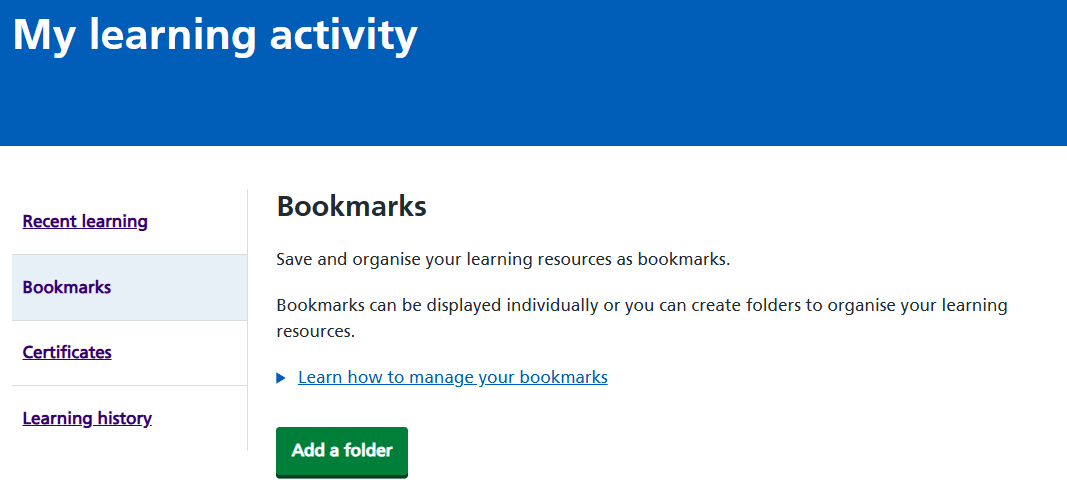 Figure 1 Bookmarks tab under My Learning Activity
Adding a bookmark
Catalogues and individual resources can both be bookmarked.
To add a bookmark, select <Add to my bookmarks> which appears under the title of each catalogue and resource.
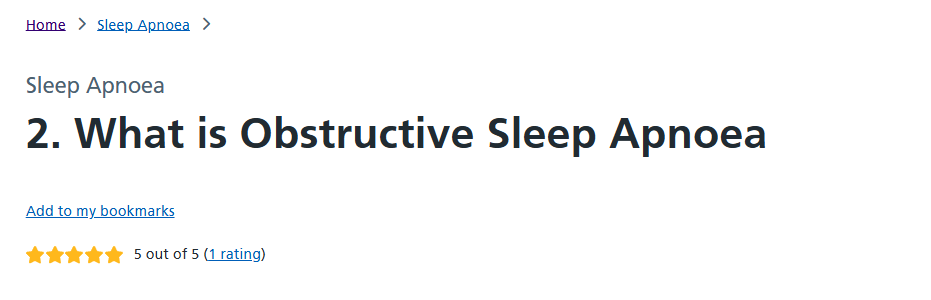
Figure 2 Resource with the Add to my bookmarks link displayed
Name the bookmark if required, then select <Continue>.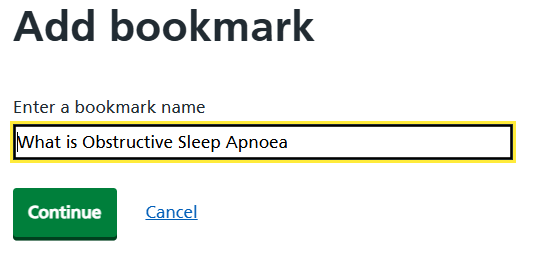
Figure 3 Naming the bookmark
Organising bookmarks
It is possible to add as many learning resources as required to your bookmark manager, and have the option to rename, move or delete each one. There is also the option to add folders to allow further customisation of how your bookmarks are organised.
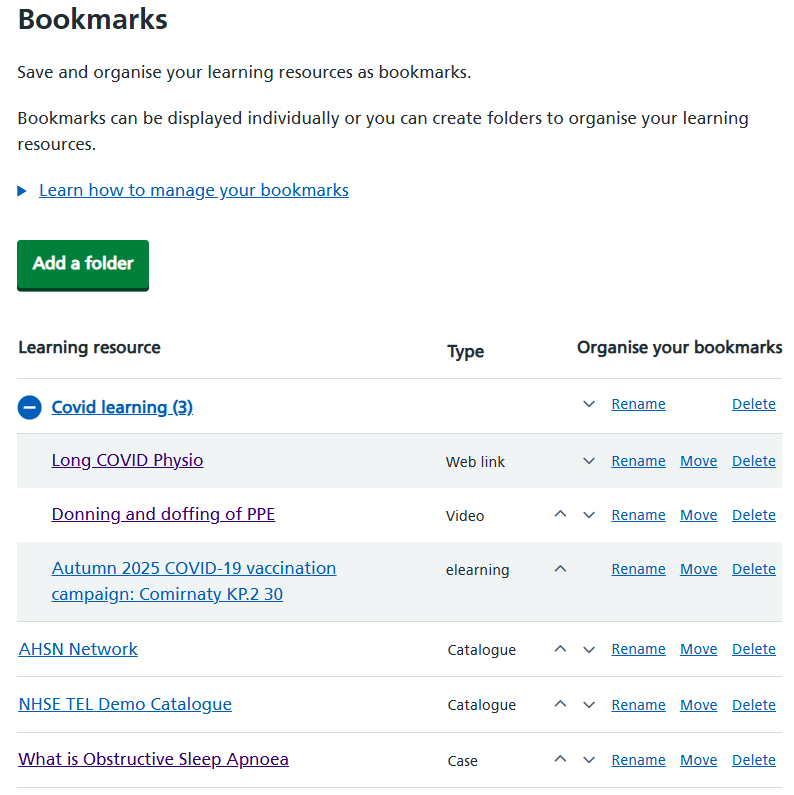
Figure 4 Bookmarks tab with options for organising bookmarks